10 Things You Should Never Do After Uploading a YouTube Video (From a $1.6M Creator)
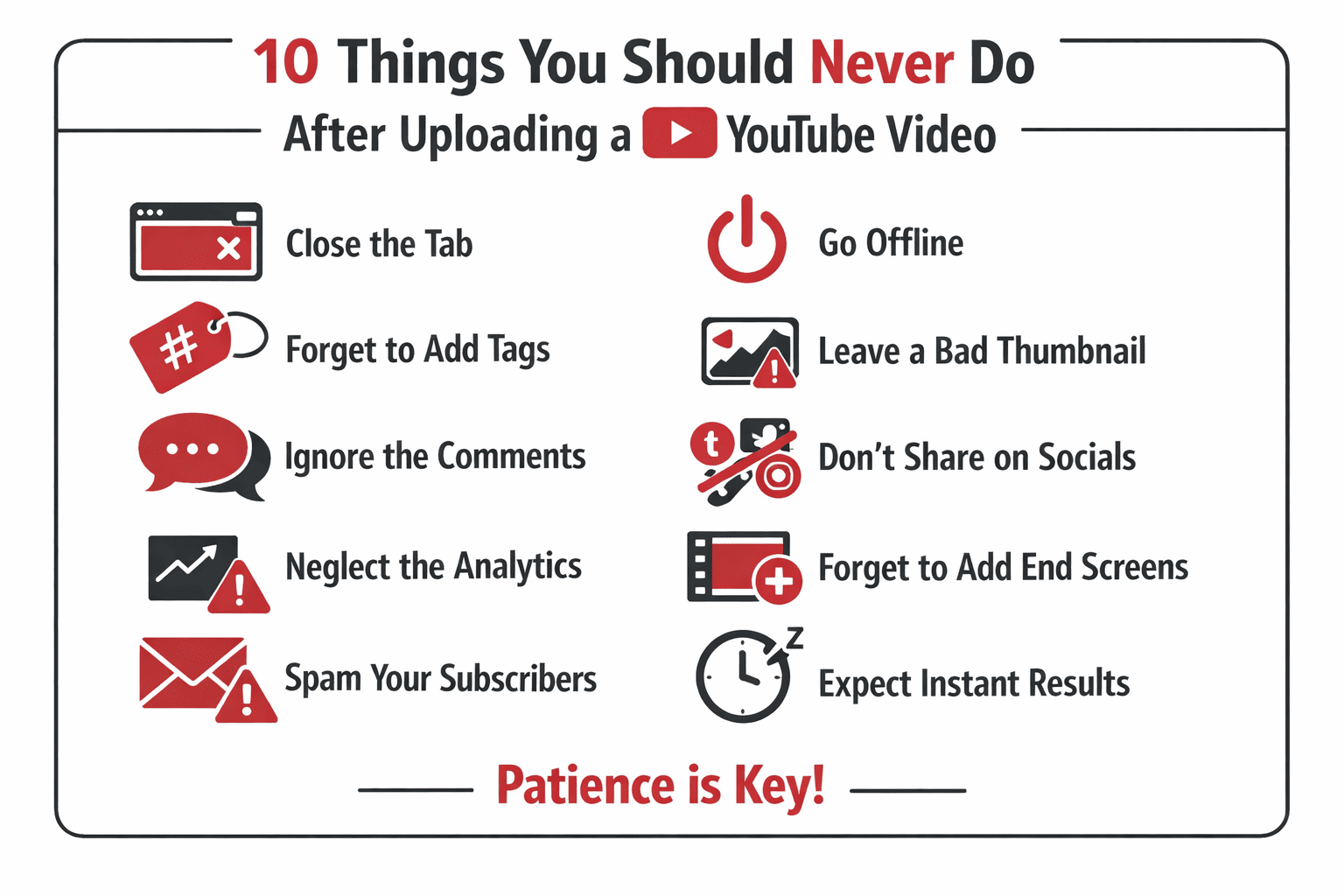
🚫 10 Things You Should Never Do After Uploading a YouTube Video
There are things about YouTube growth you will never find in generic tutorials or AI answers. They are learned only through real experience.
This guide is based on firsthand experience from a creator who started YouTube automation in 2018 and generated over $1.6 million from just three faceless YouTube channels. These are not theories — they are lessons learned at scale.
Below are 10 critical mistakes you should never make after uploading a YouTube video, especially if you care about long-term growth.
1️⃣ Watching Your Video Immediately After Posting
It is tempting to watch your video the moment it goes live. But if you are not going to watch the entire video, do not watch it at all.
Early watch time and average view duration are critical signals.
✅ Do this instead:
Partial views — even from you — do not help performance.
2️⃣ Sharing the Video With Friends and Family
This feels supportive but is often harmful.
Why this hurts:
If the first 10 viewers leave early, YouTube may stop testing the video entirely.
📌 Let the algorithm find the right audience instead.
3️⃣ Buying Views or Subscribers (🚨 Never)
Never buy views. Never buy subscribers.
Even “real human” views damage your channel.
Why Bought Views Kill Growth
Result:
❌ Poor recommendations
❌ No suggested traffic
❌ Blocked organic growth
Worst case: a video that could have gone viral never does.
4️⃣ Deleting Videos That Don’t Perform Early
Low views early ≠ failure.
📊 Real example:
Deleting early would have erased everything.
Unexpected videos often outperform predicted “viral” ones.
5️⃣ Deleting Comments the Wrong Way
Deleting comments manually is inefficient.
✅ Correct method:
Examples to filter:
Do not delete all criticism — only comments that actively hurt engagement.
6️⃣ Obsessing Over the “Perfect” Upload Time ⏰
There is no magic upload minute.
The only real rule:
Consistency > exact timing.
Stop overthinking this.
7️⃣ Publishing Without Using “Unlisted” First
Never upload and instantly make a video public.
✅ Correct workflow:
1. Upload video
2. Set visibility to Unlisted
3. Wait for full processing
4. Add title, description, tags
5. Confirm video quality
6. Publish
You can automate this using upload defaults.
Publishing before processing finishes can permanently reduce quality.
8️⃣ Ignoring the Community Tab 📢
The community tab is massively underused.
How to use it properly:
This sends an extra notification beyond the bell.
Advanced Tip
If you run multiple channels:
9️⃣ Changing Titles or Thumbnails After Publishing
For small creators, this usually does nothing.
Unless you have:
Rule:
🧠 Be 100% confident before publishing.
If the packaging feels weak — fix it first.
🔟 Obsessing Over Analytics in the First Few Days
Refreshing analytics every hour hurts focus.
Recommended approach:
When checking:
Even good videos should be analyzed as if they failed.
🎯 The Real Long-Term Strategy
YouTube success comes from:
Most channel damage happens after uploading, not before.
🚀 How 100Viral.com Supports Ethical Growth
100viral.com helps creators increase visibility using official Google Ads only.
No:
❌ Bots
❌ Fake views
❌ Artificial engagement
All traffic is real and policy-compliant.
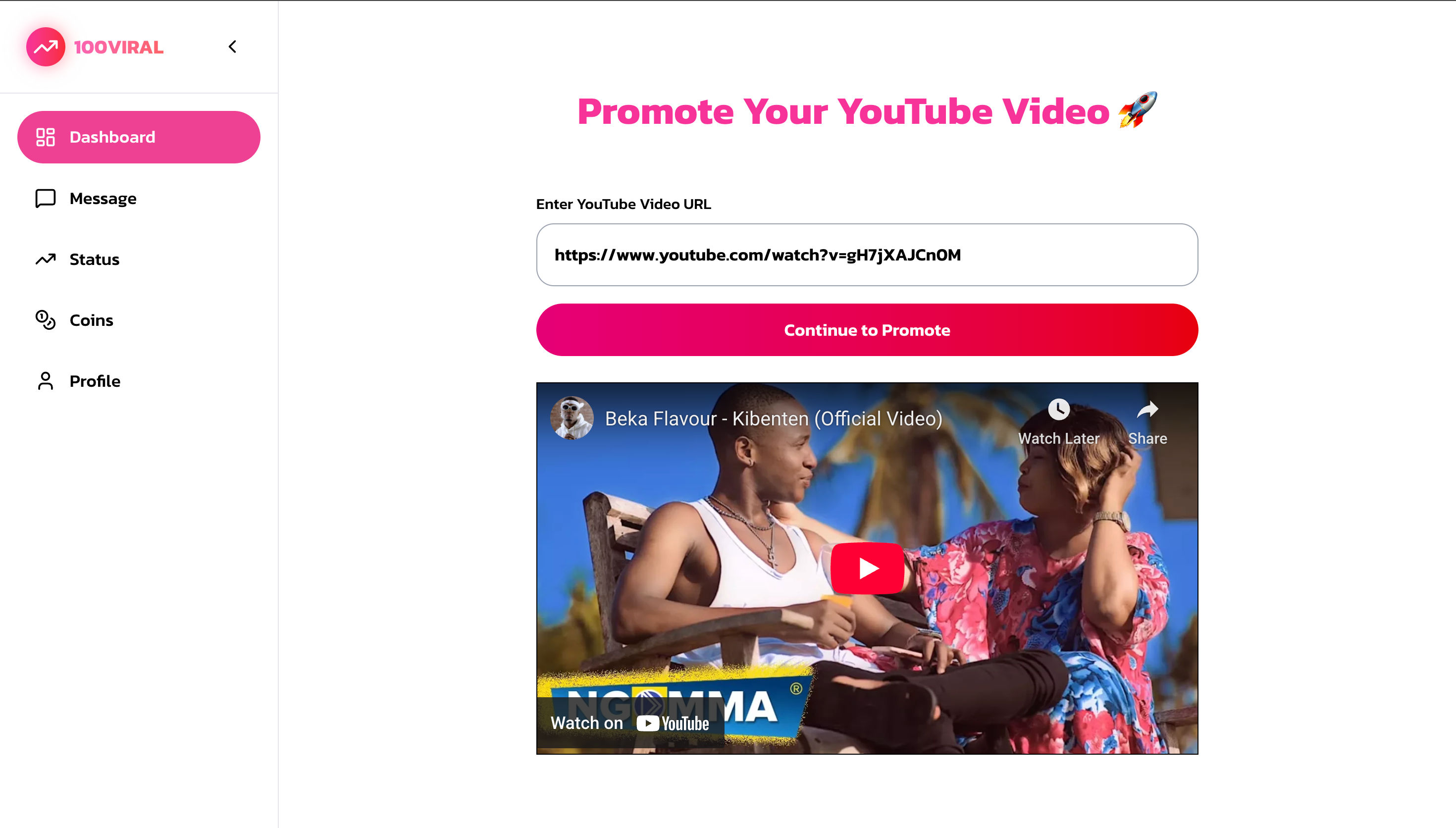
Key Benefits
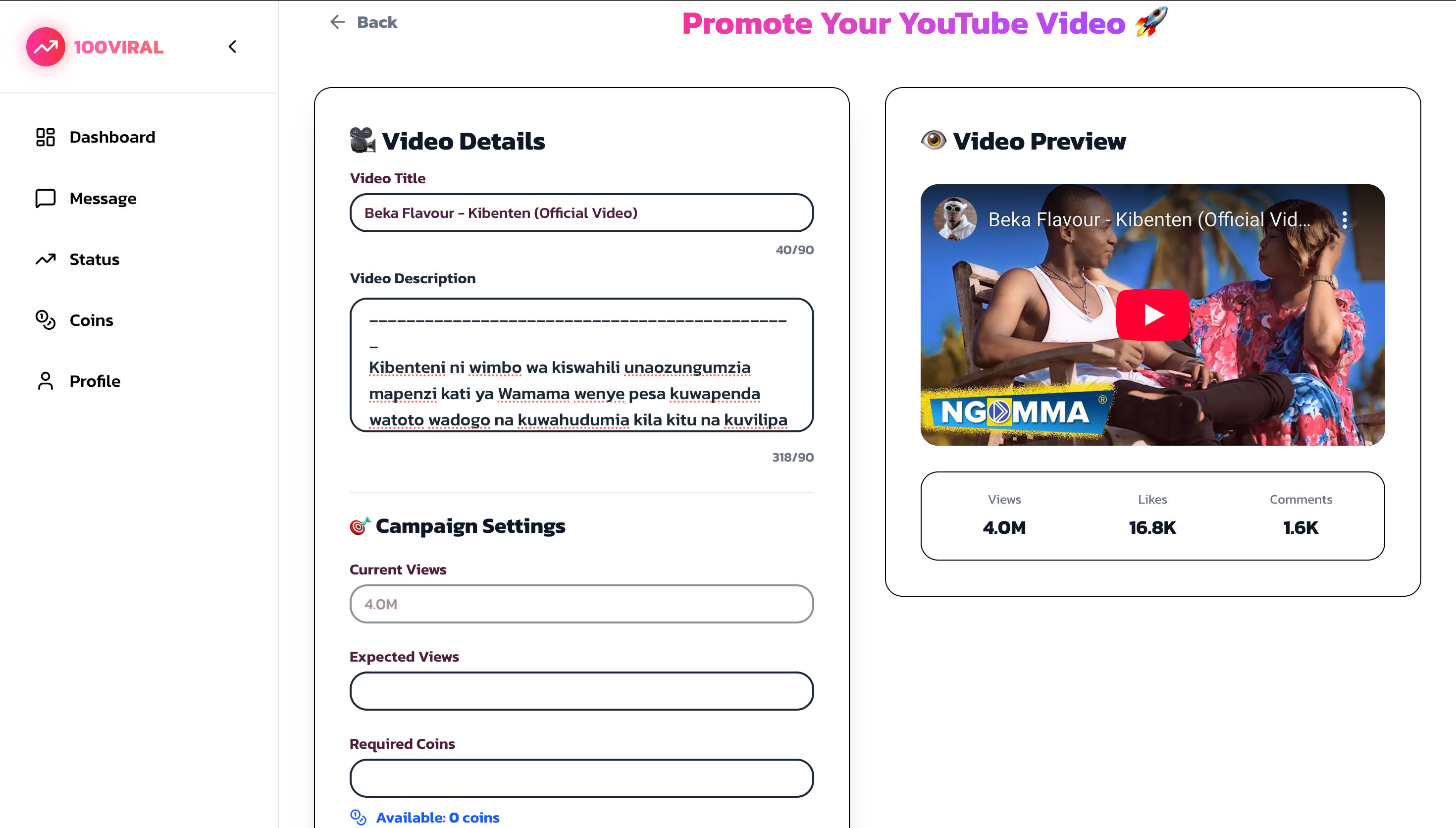
How to Use 100Viral.com
1. Visit https://100viral.com
2. Choose a promotion package
3. Submit your video URL
4. Select targeting
5. Launch via Google Ads
6. Track engagement
❓ Frequently Asked Questions
Should I watch my own video?
Only if you watch the full video.
Do bought views help?
No. They harm long-term growth.
Can old videos go viral later?
Yes. Delayed growth is common.
Does upload time matter?
Only relative to audience location.
Should I change thumbnails later?
Not for small channels.
When should I check analytics?
After 3–4 days.
✅ Conclusion
Most creators do not fail because of bad content.
They fail because of mistakes made after uploading.
Protect your early signals, respect the algorithm’s learning phase, and stay consistent. Organic, patient growth always wins.
YouTube rewards creators who play the long game.
Ready to Increase Your YouTube Views?
Start promoting your videos through official Google Ads. Get real views from real users starting from just $1.50 with free extra bonus views.
More Blog Posts
- → How Dhruv Rathee Built 15M+ Subscribers: 5 YouTube Secrets from a 10-Year Journey
- → MrBeast’s Best YouTube Advice: How to Grow a Channel the Right Way
- → How to Write Better Songs: Leaving Space in Melody | Content Referenced from Marin Music Center
- → MrBeast YouTube Formula: Hooks, Retention & Algorithm Secrets