How to Create High-Click YouTube Thumbnails (DIY and Outsourcing Process Explained)
How to Create YouTube Thumbnails That Actually Get Clicks
Your YouTube thumbnail can make or break your video’s performance. No matter how strong the content is, if people do not click, the video will not get views. This applies whether you design thumbnails yourself or outsource them.
This article explains a complete, real-world thumbnail creation process—from finding inspiration to designing in Canva and outsourcing efficiently. The workflow shared here has been used consistently over years of YouTube experience.
This is part five of a six-part YouTube workflow series explaining how videos are created from start to finish.
Why Thumbnails Matter More Than You Think
Thumbnails are one of the strongest drivers of click-through rate. A strong thumbnail grabs attention, communicates value quickly, and creates curiosity. A weak thumbnail can hold back even the best videos.
That is why thumbnails need a repeatable system, not guesswork.
Step 1: Find Thumbnail Inspiration Before Designing Anything
Before designing, research is essential.
Where to Find Inspiration
The Inspiration tab shows:
This reveals patterns that already work.
How to Choose the Right Inspiration
The selection process is simple:
These screenshots act as visual references when creating your own thumbnails.
Step 2: Capture Thumbnail Poses While Filming
Before finishing filming, capture thumbnail poses while lighting is still set.
Why Video Is Better Than Photos
Instead of taking photos:
Later, you can scrub through footage and screenshot the best frames. This is faster and more flexible.
Build a Thumbnail Pose Library
Create a folder for thumbnail poses.
Benefits:
This library becomes more valuable as your channel grows.
Step 3: Compare and Select the Best Pose
After taking screenshots:
Choose the pose with the strongest expression and visual impact.
Step 4: Designing Thumbnails in Canva
Canva is used as the main design tool.
Keep Thumbnails in One Project
All thumbnails stay inside a single Canva project. This allows:
Step 5: Enhance Image Colors
Raw screenshots usually look flat.
Basic adjustments:
These small changes make thumbnails more eye-catching.
Step 6: Use Canva’s Magic Grab Tool
Magic Grab separates the subject from the background.
What This Enables
Avoid Important UI Areas
Do not place text in the bottom-right corner. YouTube timestamps often cover this area.
Step 7: Add Depth Using Shadows or Outlines
Two effective options:
Both help the subject stand out.
Step 8: Add and Style Text Correctly
Text is added only when it improves clarity.
Fonts Used
Best practices:
Curved text can be used selectively for visual flow.
Step 9: Decide Thumbnail Text Carefully
Thumbnail text is usually:
Try multiple versions and compare them.
Using ChatGPT for Thumbnail Text Ideas
ChatGPT can assist brainstorming.
Effective Process
1. Share the video title
2. Share the script
3. Ask for short, curiosity-based text ideas
If results are weak, ask ChatGPT to suggest better prompts.
Step 10: Add Icons or Graphics When Needed
Icons reinforce meaning.
Examples:
Style icons with outlines or shadows for consistency.
Step 11: Use Social Proof Strategically
Social proof examples:
Keep them:
Step 12: Test Thumbnails at Small Sizes
Before finalizing:
Check:
Step 13: Mock Up the Thumbnail on Your Channel
Place the thumbnail into a channel mockup.
This helps:
Optional: Adjust Background for Better Contrast
Using Magic Grab:
This ensures text and subject stand out.
Making Thumbnails Is Easier Than It Looks
With Canva and a clear system, thumbnails become manageable—even for non-designers.
Still, not everyone wants to design thumbnails themselves.
How to Outsource YouTube Thumbnails Effectively
Upwork is the primary platform used.
Why Upwork Works
Thumbnails often cost around $15 each.
How to Find the Right Freelancer
1. Search for “YouTube thumbnail”
2. Review portfolios
3. Check ratings and feedback
4. Match style with your channel
Important Outsourcing Considerations
Payments are protected through escrow.
Communicating With Freelancers
Provide:
Clear instructions reduce revisions.
Cost vs Value of Outsourcing
Example:
Strong thumbnails can dramatically increase views and revenue.
A/B Testing Thumbnails
YouTube Studio allows free testing.
Optional tools:
Testing is optional but helpful.
Thumbnails Are Critical—but Not Everything
Thumbnails drive clicks, but titles, retention, and strategy matter too.
How 100Viral.com Can Support YouTube Creators
100viral.com helps creators increase visibility through official advertising.
It uses only Google Ads, ensuring:
Key Benefits
Step-by-Step: How to Use 100Viral.com
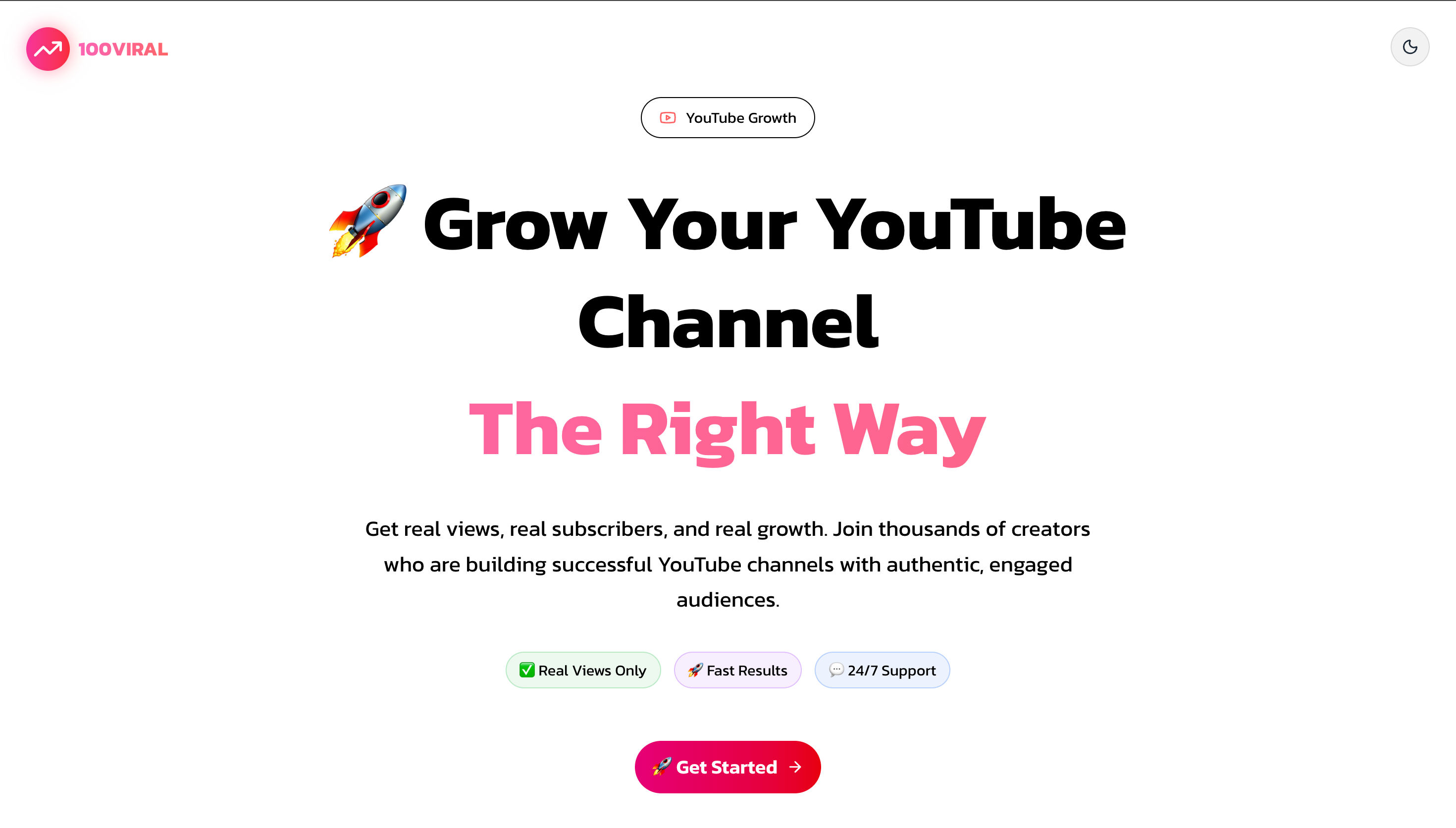
1. Visit https://100viral.com
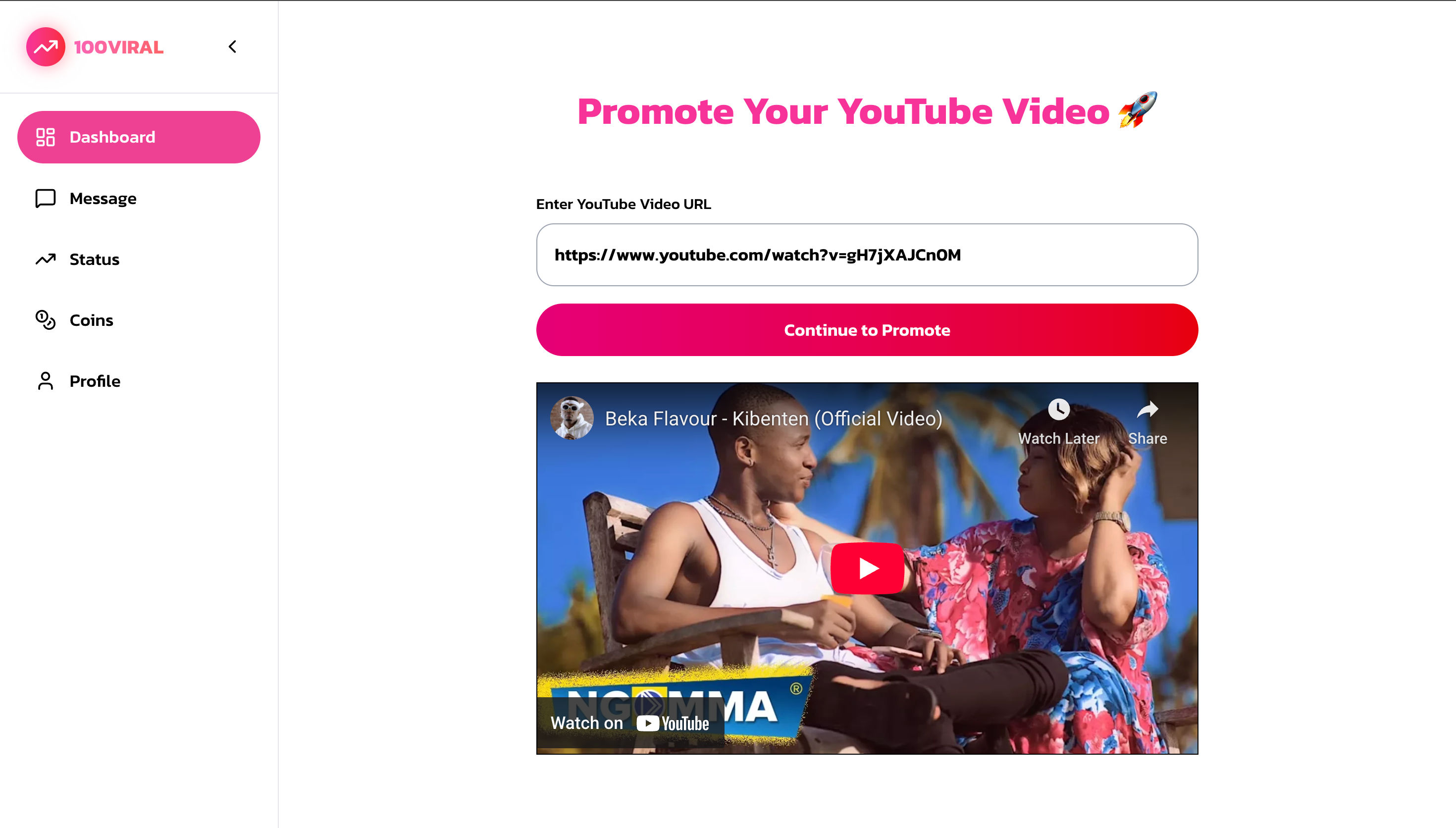
2. Choose a YouTube promotion option
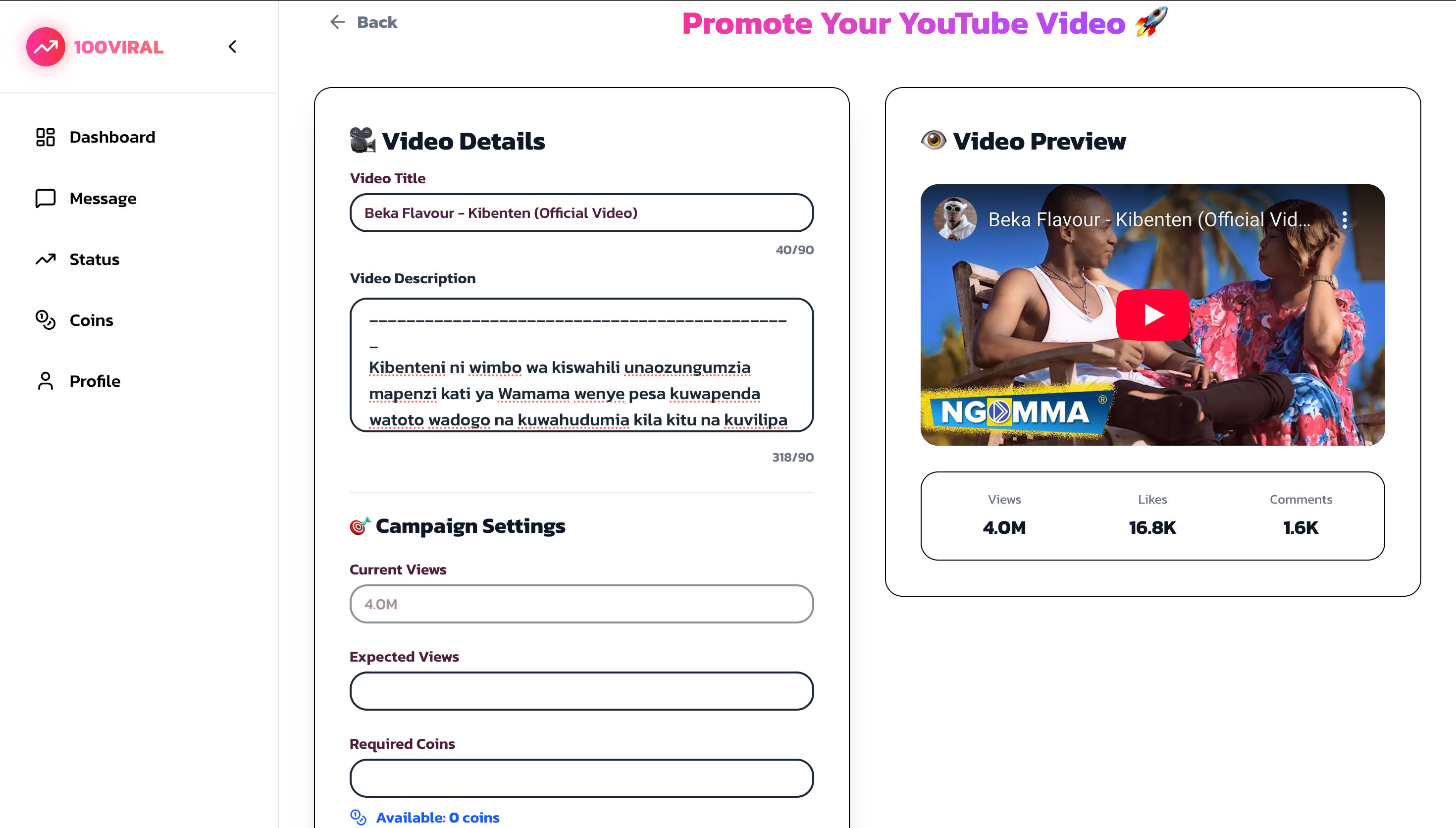
3. Submit your video link
4. Select targeting preferences
5. Launch promotion via Google Ads
6. Monitor performance and engagement
Promotion works best when paired with strong thumbnails and quality content.
Frequently Asked Questions
Do thumbnails really affect YouTube views?
Yes. Thumbnails directly impact click-through rate.
Is Canva enough for professional thumbnails?
Yes. Canva is powerful enough for high-performing thumbnails.
Should beginners outsource thumbnails?
Beginners can start DIY and outsource later.
How much should I spend?
Most creators spend $10–$20 per thumbnail.
Can I test thumbnails for free?
Yes. YouTube Studio supports free testing.
Conclusion
High-click thumbnails are not about complex design—they are about clarity, curiosity, and impact.
With a structured process, you can design thumbnails yourself or outsource efficiently. When done correctly, thumbnails become a growth asset instead of a bottleneck.
Ready to Increase Your YouTube Views?
Start promoting your videos through official Google Ads. Get real views from real users starting from just $1.50 with free extra bonus views.
More Blog Posts
- → How Dhruv Rathee Built 15M+ Subscribers: 5 YouTube Secrets from a 10-Year Journey
- → MrBeast’s Best YouTube Advice: How to Grow a Channel the Right Way
- → How to Write Better Songs: Leaving Space in Melody | Content Referenced from Marin Music Center
- → MrBeast YouTube Formula: Hooks, Retention & Algorithm Secrets